Core Platform

Smart Scheduling

Reduce no-shows with reminders and live availability.

Customer Management

Centralise customer records, segmentation, and retention workflows.

Unified Inbox

Manage SMS, email, and chat conversations in one place.

Leads

Capture and convert new enquiries with clearer follow-up.

Chat

Use live and team chat to reply faster and book more clients.

Payments

Track transactions, credits, refunds, and checkout-linked revenue.

Growth

Marketing Suite

Run campaigns and segments tied to booking outcomes.

Discounts & Gift Cards

Drive repeat revenue with tracked promotions and redemptions.

Ad Management

Connect paid campaigns to lead and booking conversion workflows.

Social Media Management

Coordinate social workflows with revenue and retention goals.

Operations

Inventory & Retail

Manage stock, suppliers, and retail performance in one stack.

Team Operations

Coordinate rota, roles, and team execution workflows.

Tasks

Keep day-to-day actions visible, assigned, and completed.

Digital Forms

Capture intake and consent data with cleaner records.

Locations & Resources

Run resource-aware scheduling and service continuity workflows.

Salons

Bookings, reminders, and client growth for salons.

Aesthetic Clinics

Operational control and patient communication in one system.

Medspas

Consults, treatment plans, and repeat bookings without manual admin.

Beauty Therapists

Simple workflows for solo beauty therapists.

Permanent Makeup Artists

Consult, treatment, and touch-up workflows in one place.

Aesthetic Practitioners

Practitioner-led treatment journeys with stronger retention.

Lash and Brow Studios

Protect refill workflows and improve repeat demand.

Nail Studios

Keep bookings, checkout, and retail operations connected.

Wellness Studios

Run member journeys and retention campaigns from one place.

Integrated Services

Service + software workflows designed to drive more bookings.

Social Media Growth

Content and engagement workflows tied to enquiries and bookings.

Advertising Management

Google, Meta, TikTok, and Microsoft PPC campaigns managed end to end.

Free Hosted Website

Launch booking-connected web experiences quickly.

Voice Notes

Transcriptions and treatment reports powered by your voice.

Contact Us

Talk to our team about growth workflows for your business.

AI Virtual Receptionist (Coming Soon)

AI-driven inbox handling across email, SMS, and social.

AI Call Handler (Coming Soon)

AI voice assistant for incoming booking calls.

How It WorksPricing
About

Learn about our mission and platform focus.

FAQs

Common questions about setup, workflows, and support.

Blog

Operational and growth insights for beauty teams.

Compare Managed

Head-to-head comparisons against major alternatives.

Managed vs Faces Consent

Compare form-first tooling with full booking-to-retention coverage.

Managed vs Phorest

Compare operations and growth workflow depth.

Managed vs Booksy

Compare enquiry conversion and repeat-booking support.

Managed journal

SchedulingOperations

How to Reduce No-Shows with Better Waitlists

Turn your cancellations and last-minute drops into opportunities with a practical waitlist design.
By Managed Editorial
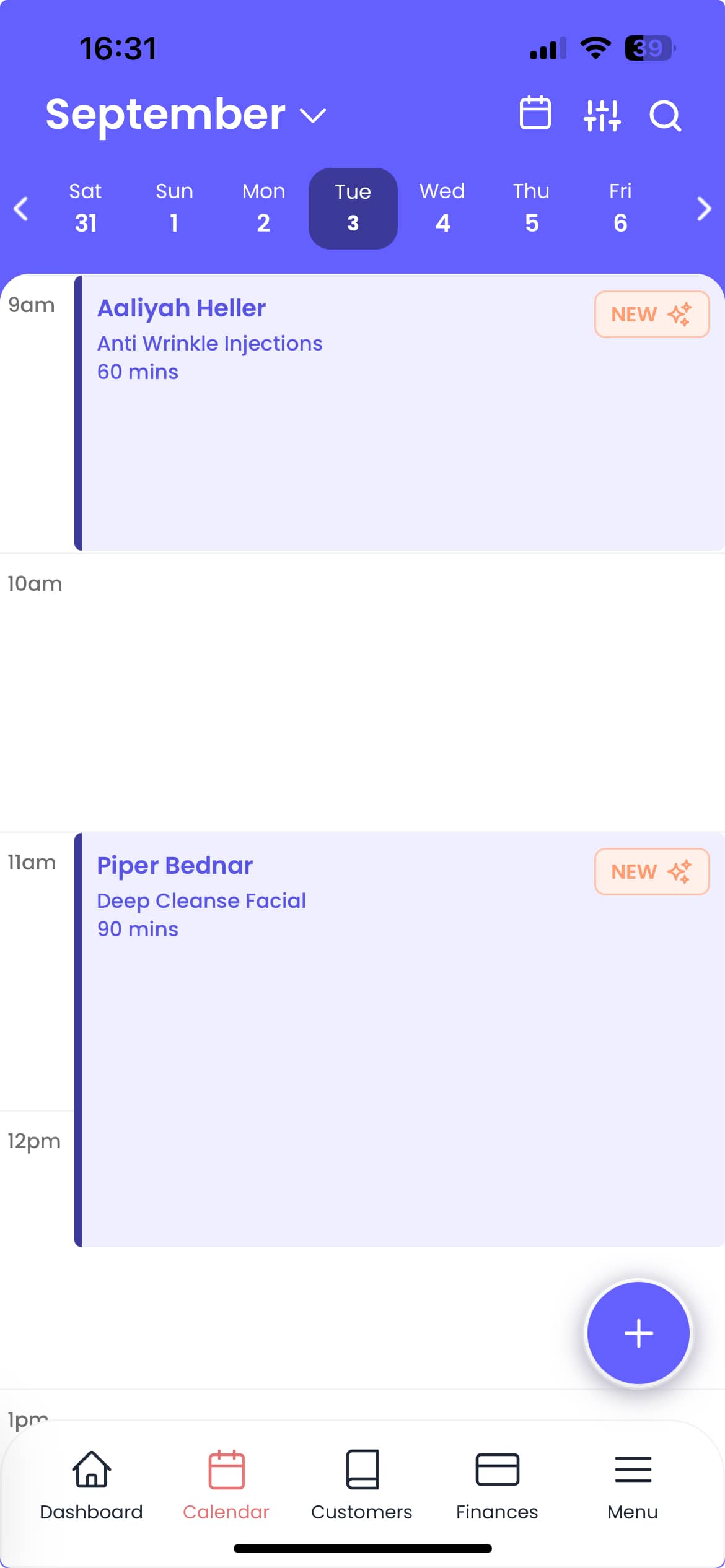
Waitlist and scheduling dashboard

How to Reduce No-Shows with Better Waitlists

No-shows are often framed as a customer issue, but they usually expose a booking system issue. When your system does not protect your highest-value slots, small scheduling frictions become recurring losses.

Start with a waitlist that stays useful

A waitlist is not just a queue. It is an active replacement system for unexpected cancellations:

  • Define priority tiers for service value
  • Keep 1-2 open buffer windows per day
  • Automate notifications for waitlisted clients when slots open
  • Track offer acceptance speed by team

The goal is to move cancellations from a loss event into a rebooking opportunity.

Design your cancellation trigger

Most teams leave timing vague, then rely on manual rescue. Use explicit triggers:

  • If a client cancels within 24 hours, mark the slot as urgent replacement
  • If no show occurs, move to standby flow immediately
  • If a replacement is unavailable in 2 hours, auto-open a follow-up message

This keeps your admin load lower and your revenue protection stronger.

Use the same logic across channels

No-shows and cancellations can be handled inconsistently across SMS, email, and phone. Use one standard workflow for:

  • cancellation notification
  • replacement offer message
  • reminder escalation

Consistency increases response rates because clients know what to expect.

Review weekly

Measure these 4 numbers each week:

  • no-show rate
  • replacement fill time
  • average waitlist response time
  • revenue recovered from cancelled slots

Improve one number at a time and the system becomes much more predictable.

See how Managed handles smart scheduling

More from Managed

Related reading for your next operational fix